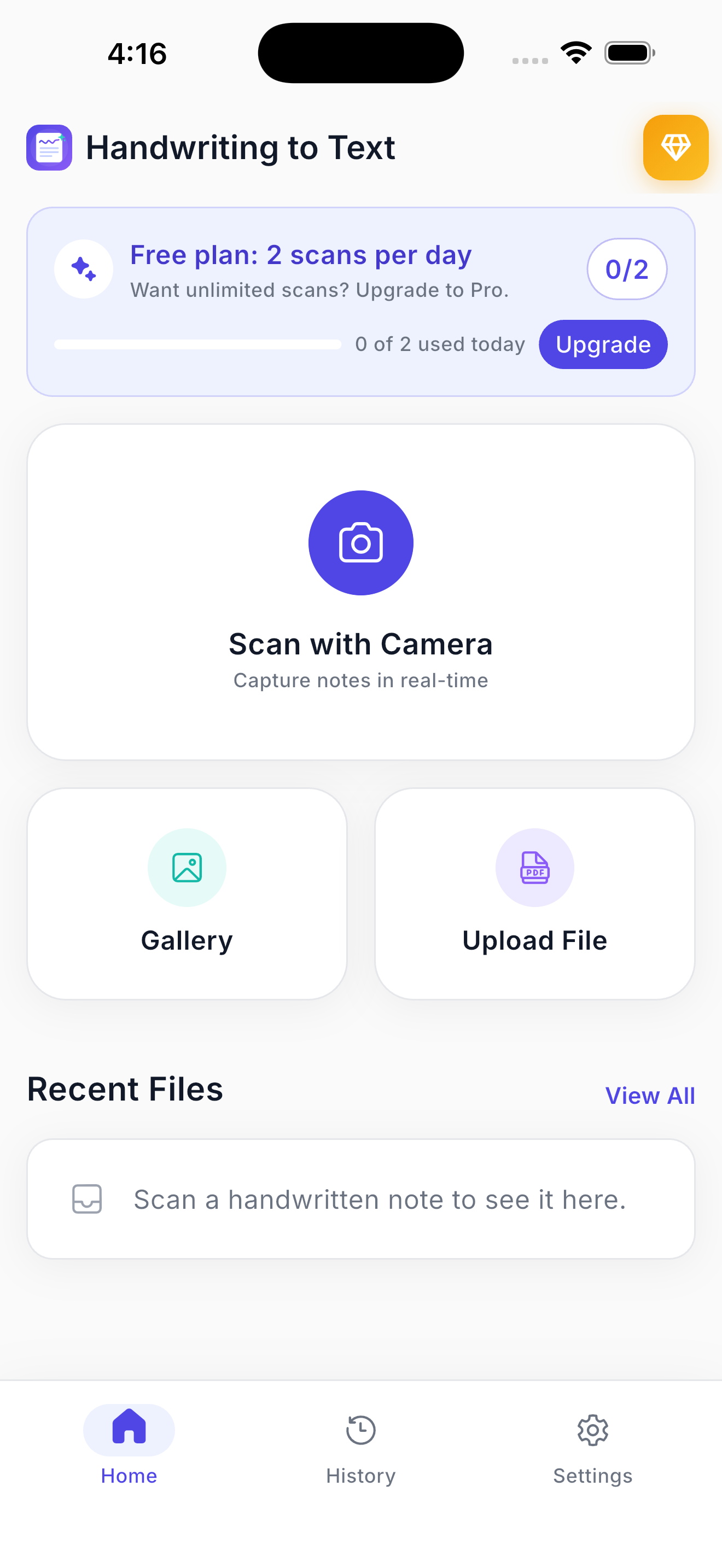
01 / Home
Three ways in
Camera, gallery or file upload — and a free-plan counter that tells you exactly where you stand. No sign-up wall between you and your first scan.
Showcase · 8 screens
A page of handwriting goes in at the top of this list and comes out as editable, translated, searchable text at the bottom. These are the real screens.
01 / Home
Camera, gallery or file upload — and a free-plan counter that tells you exactly where you stand. No sign-up wall between you and your first scan.
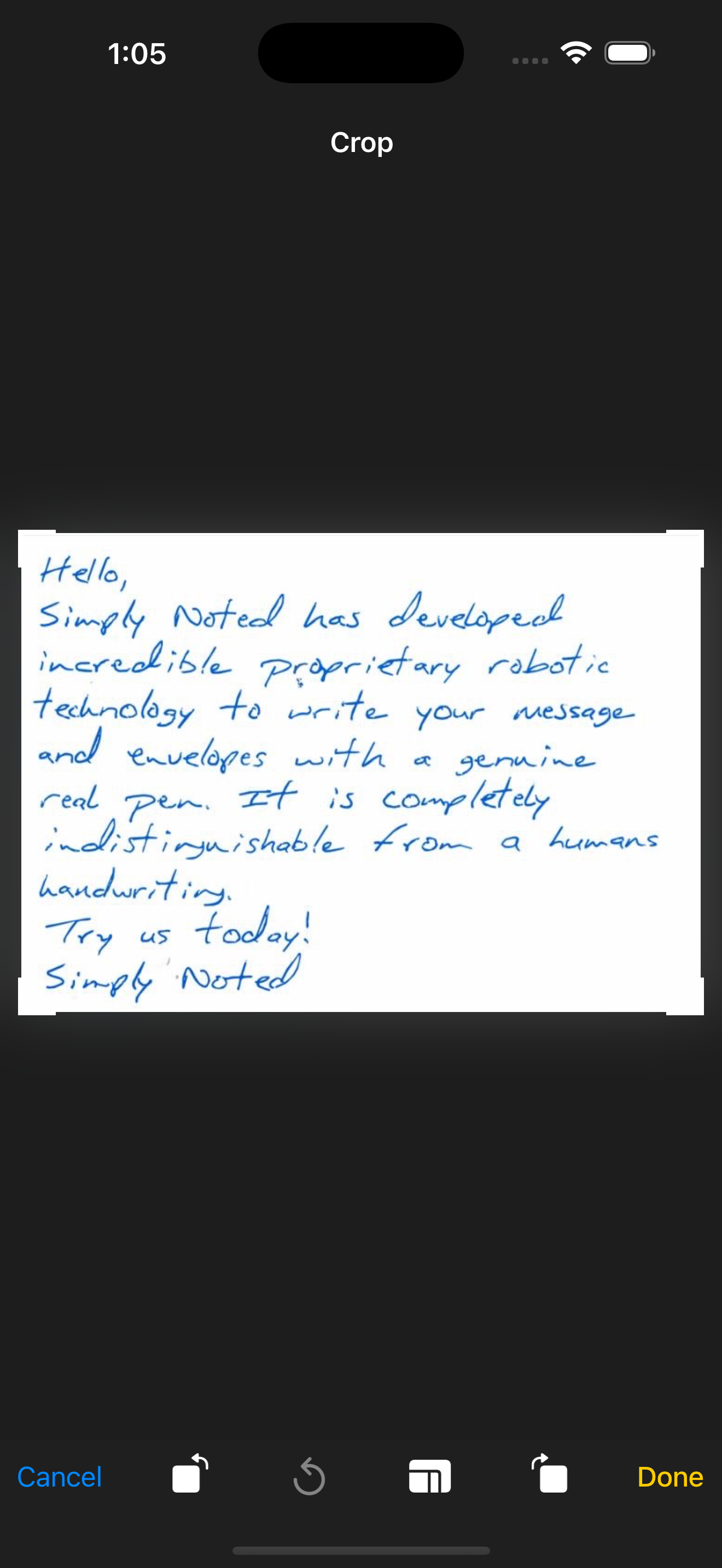
02 / Crop
Rotate, straighten and trim away the desk, the margin and the coffee cup. Cleaner input, better recognition.
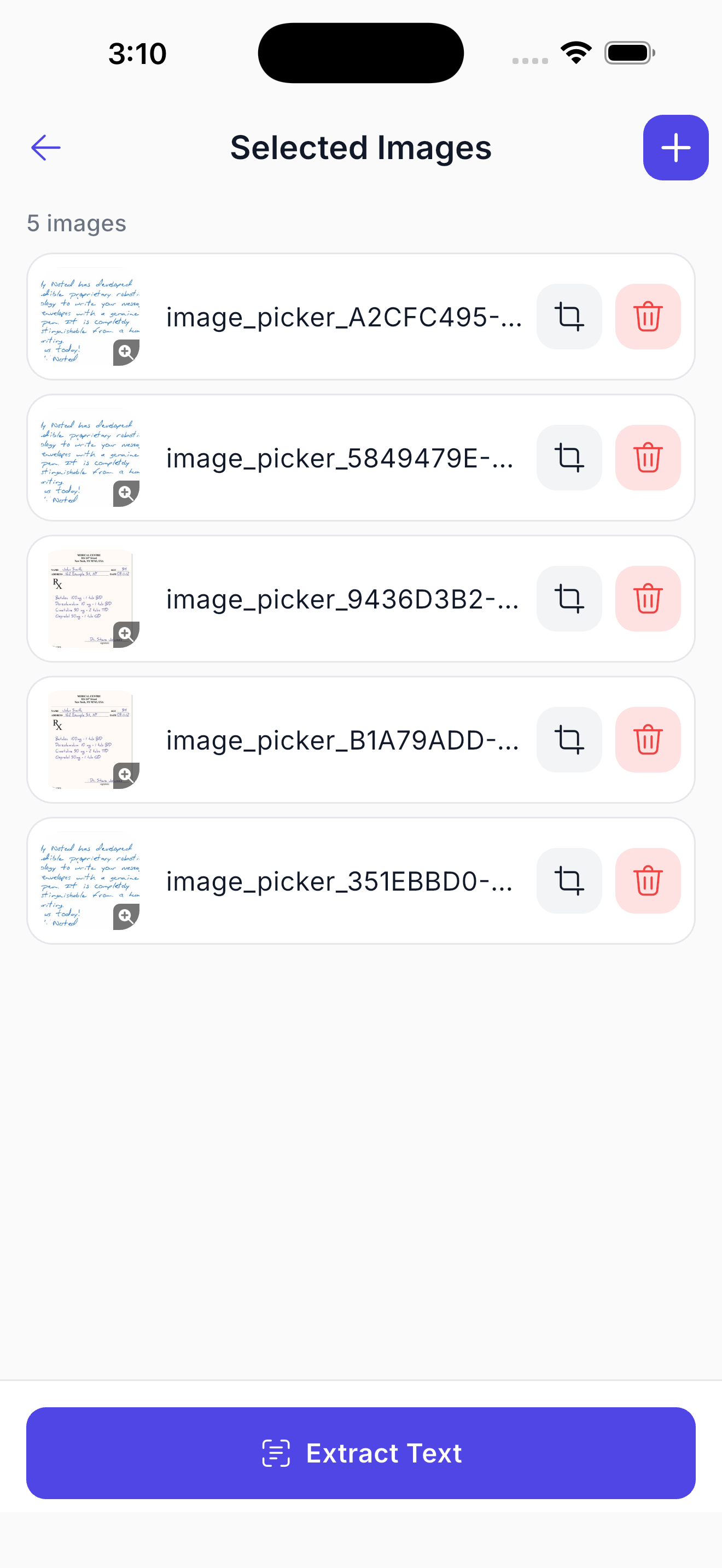
03 / Batch
Line up five pages — or a PDF — crop each one, then extract them all in a single pass.
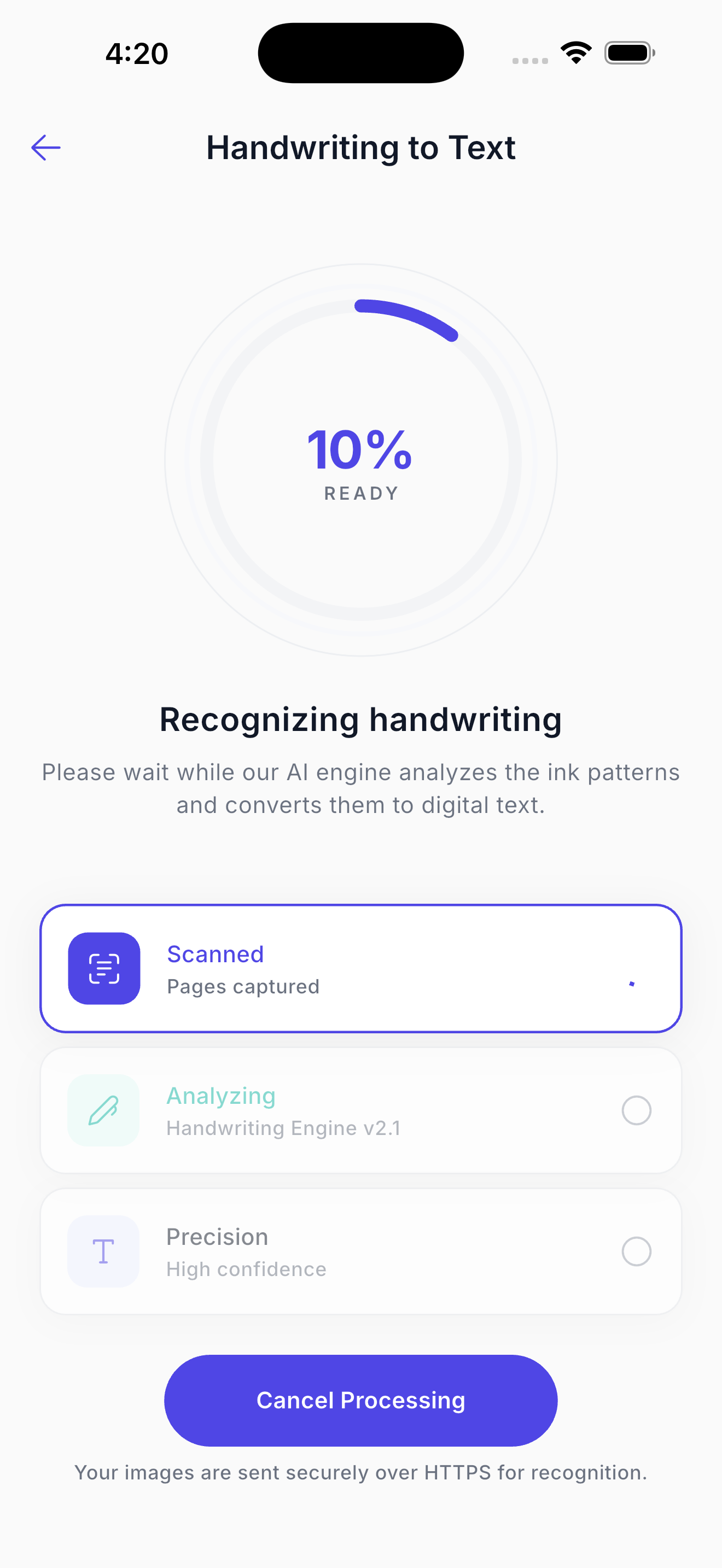
04 / Recognition
Live progress while the handwriting engine analyses stroke patterns — usually about three seconds a page.
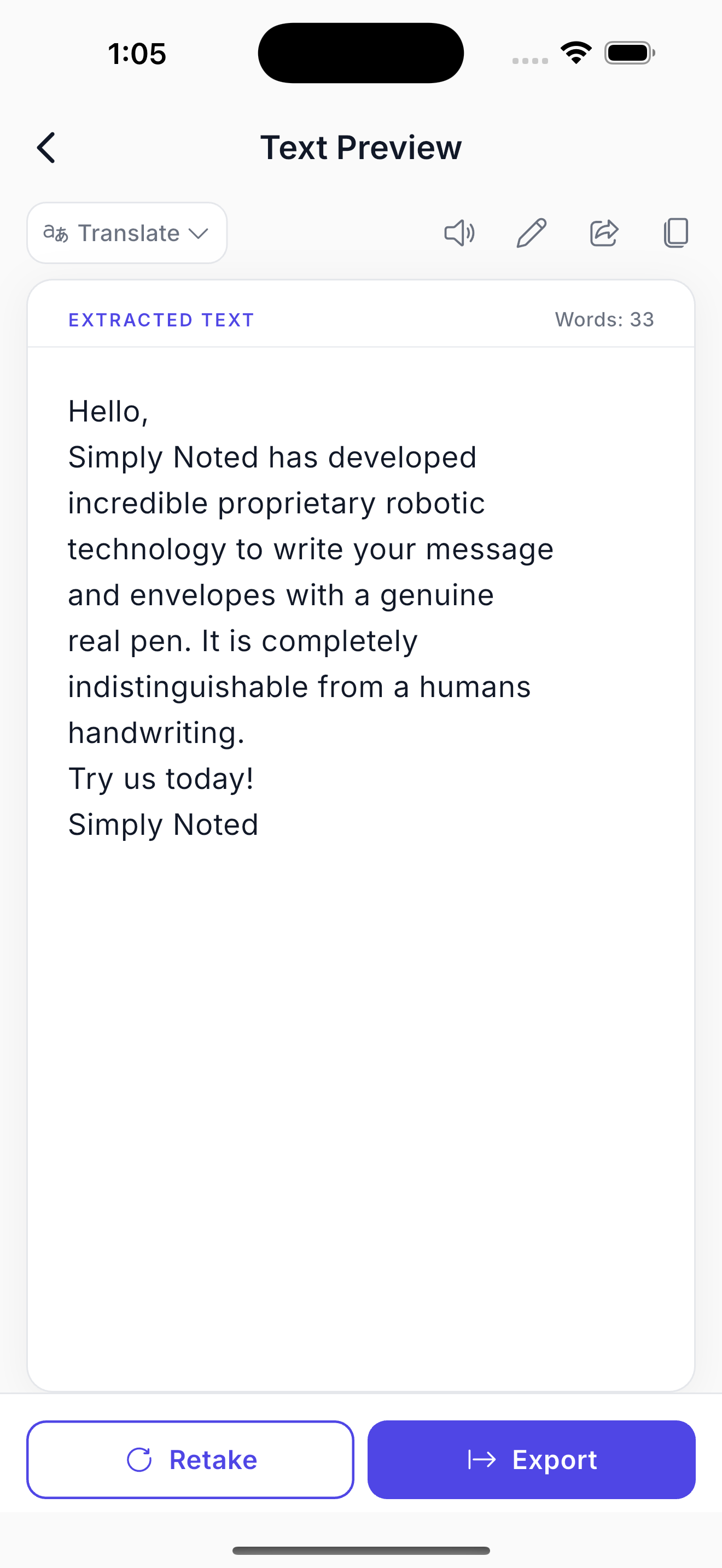
05 / Result
Fix a name, hear it read aloud, copy it, share it, or export it. The original stays available if you want to retake the shot.
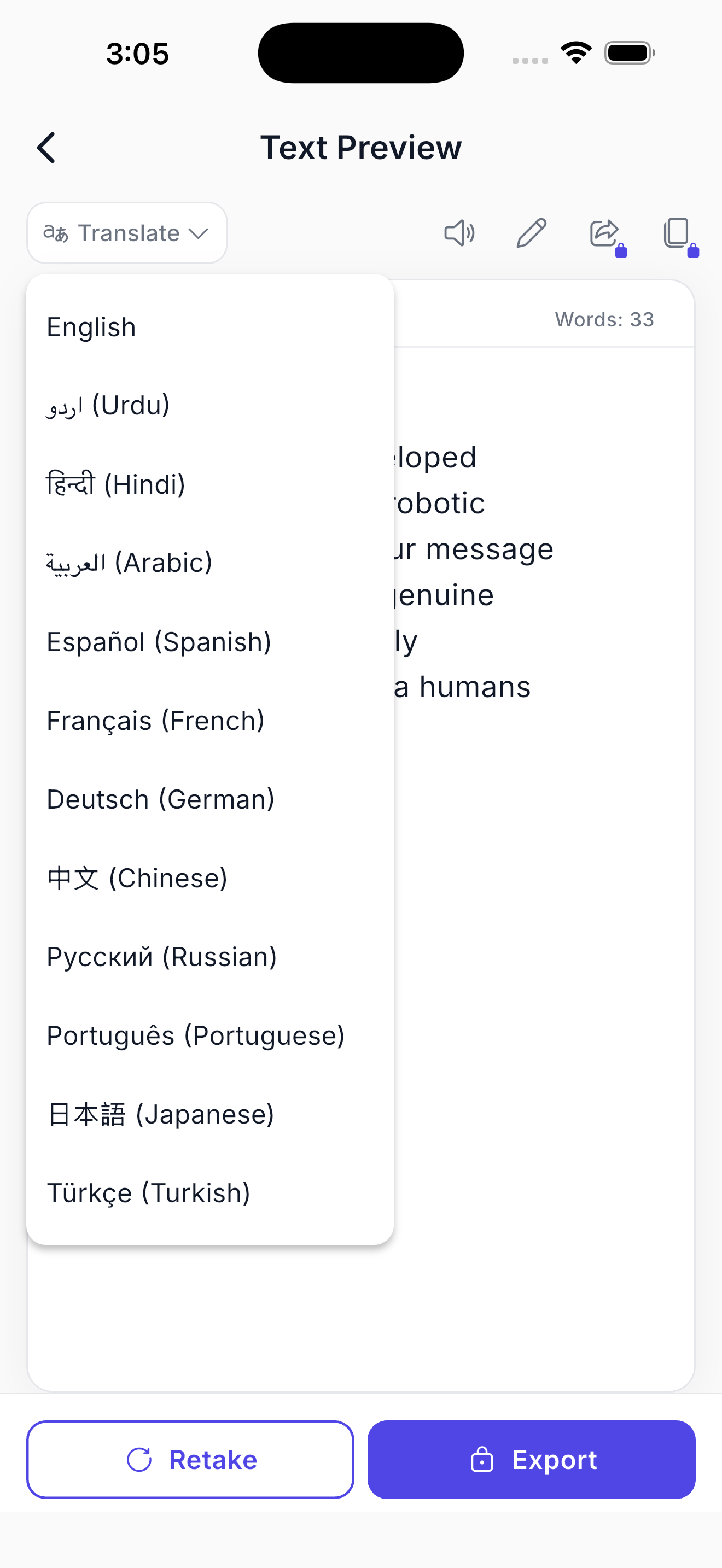
06 / Translate
English, Urdu, Hindi, Arabic, Spanish, French, German, Chinese, Russian, Portuguese, Japanese, Turkish — translated from the page you just photographed.
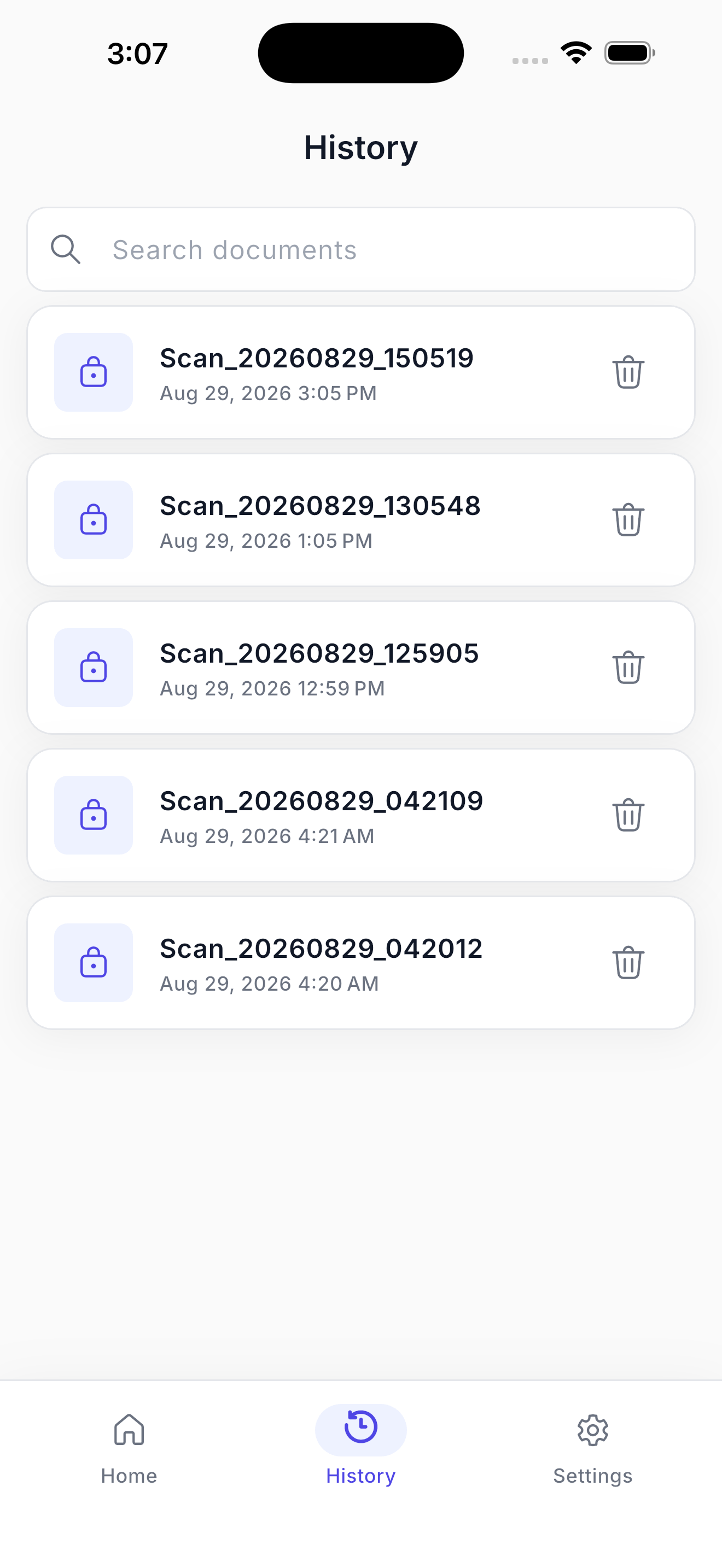
07 / History
Every scan timestamped and locked locally. Search by the words inside a document to find it again.
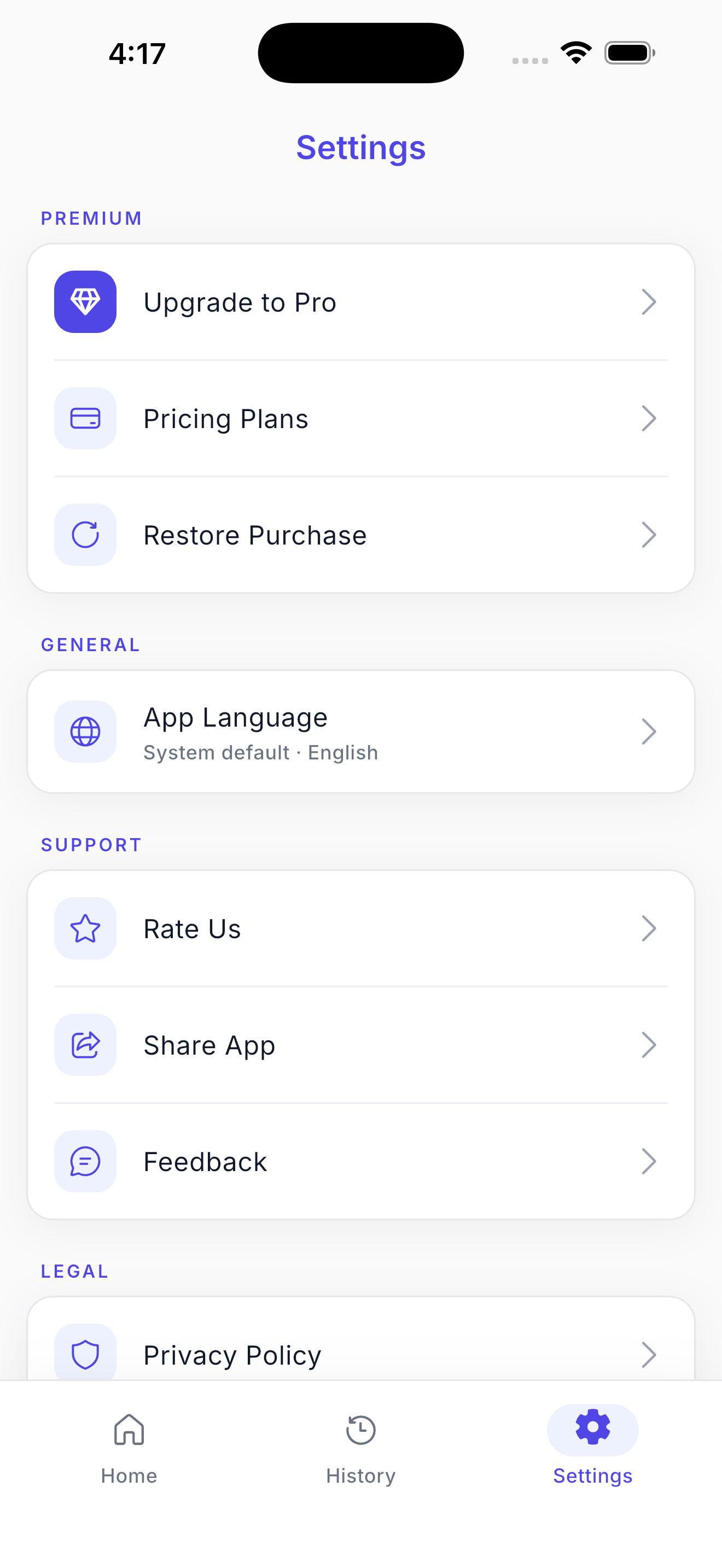
08 / Settings
Upgrade or restore a purchase, switch the app language, and reach the privacy policy in two taps.