Point, pick, or drop a file
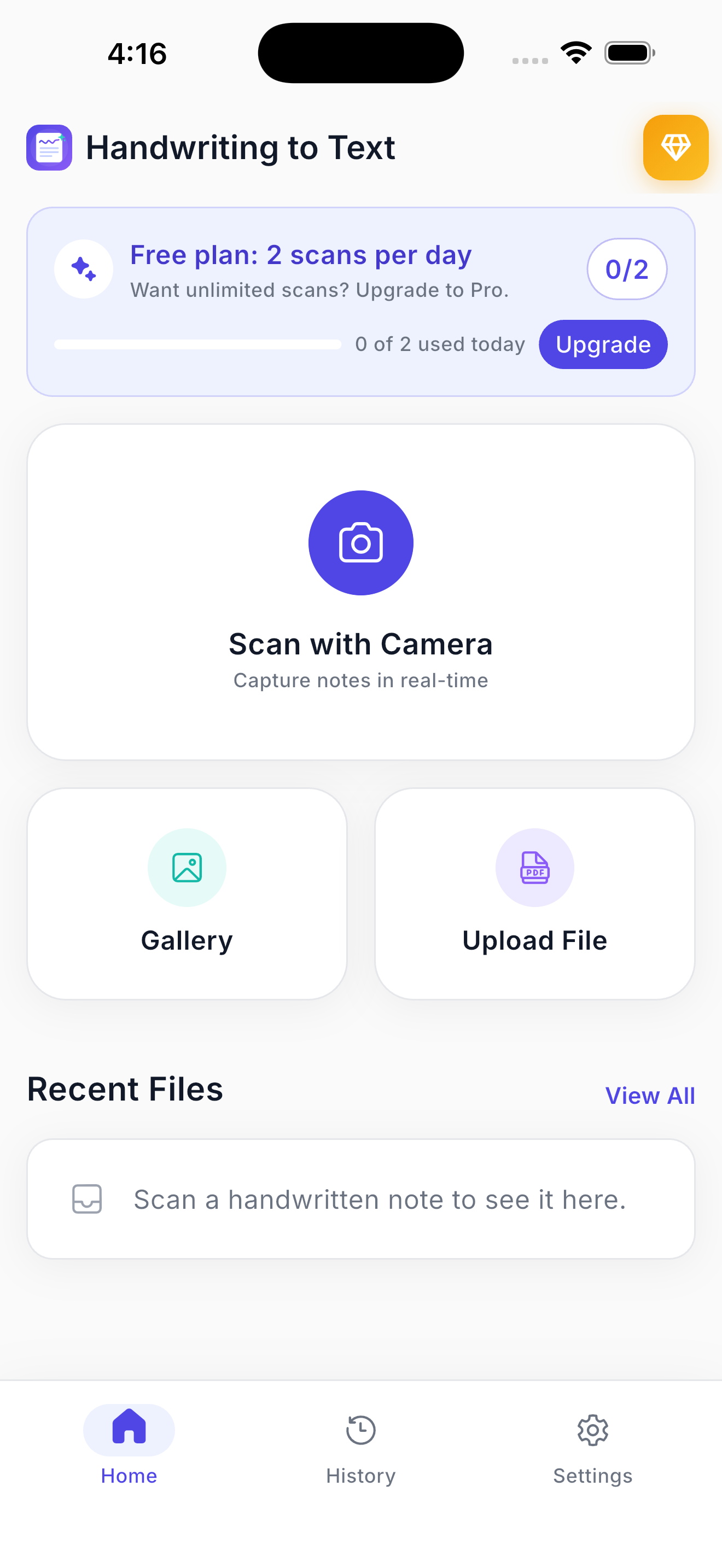
Shoot the page with your camera, grab photos from the gallery, or upload a PDF. Multi-page batches are fine.
Point the camera at a page — lecture notes, a journal, a prescription, a recipe card — and get clean, editable, searchable text. Then translate it, copy it, or send it anywhere.


Free to start · two scans a day · no account
How it works
Three beats. No retyping, no desktop scanner, no account wall.
Shoot the page with your camera, grab photos from the gallery, or upload a PDF. Multi-page batches are fine.
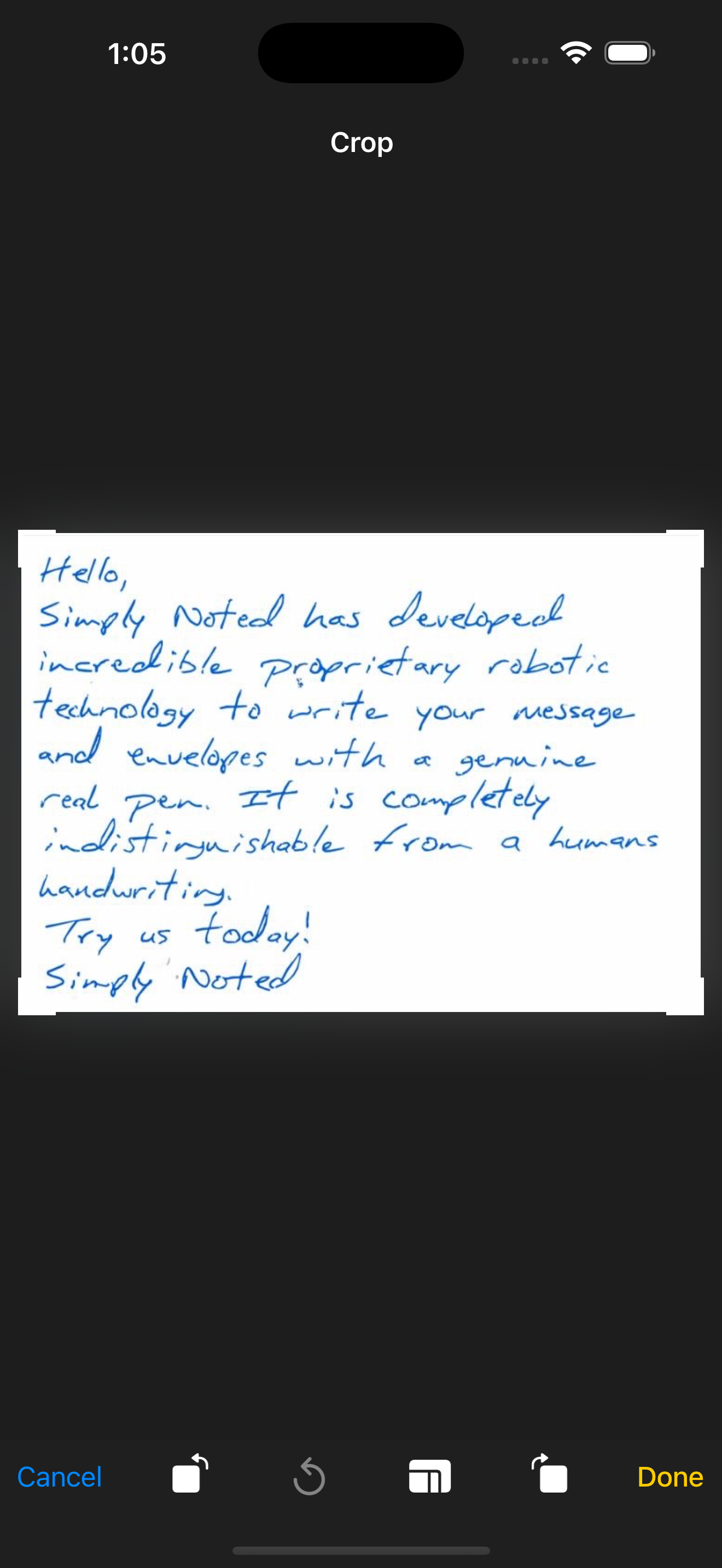
Trim away the desk, the margin, the coffee cup. Cleaner input, better recognition — including cursive and hurried scrawl.
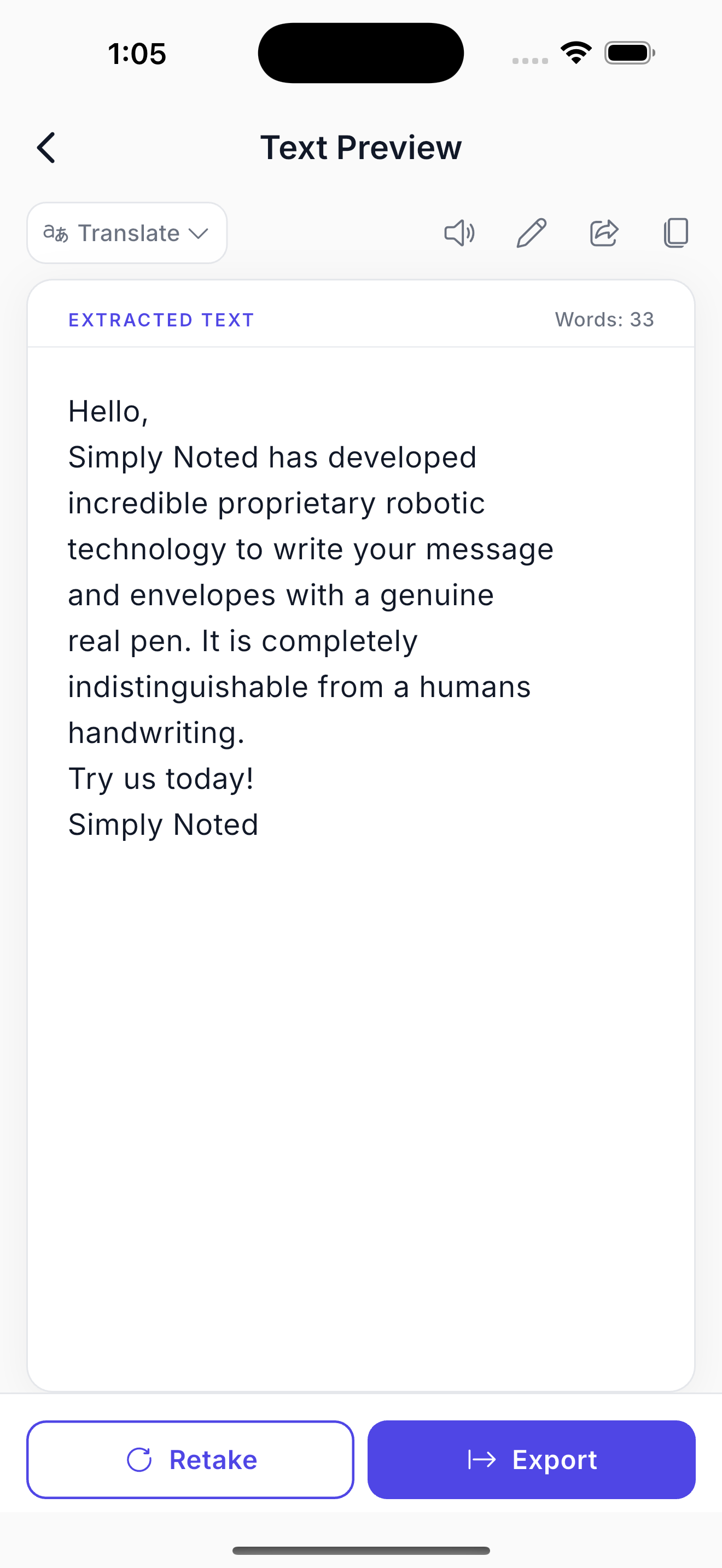
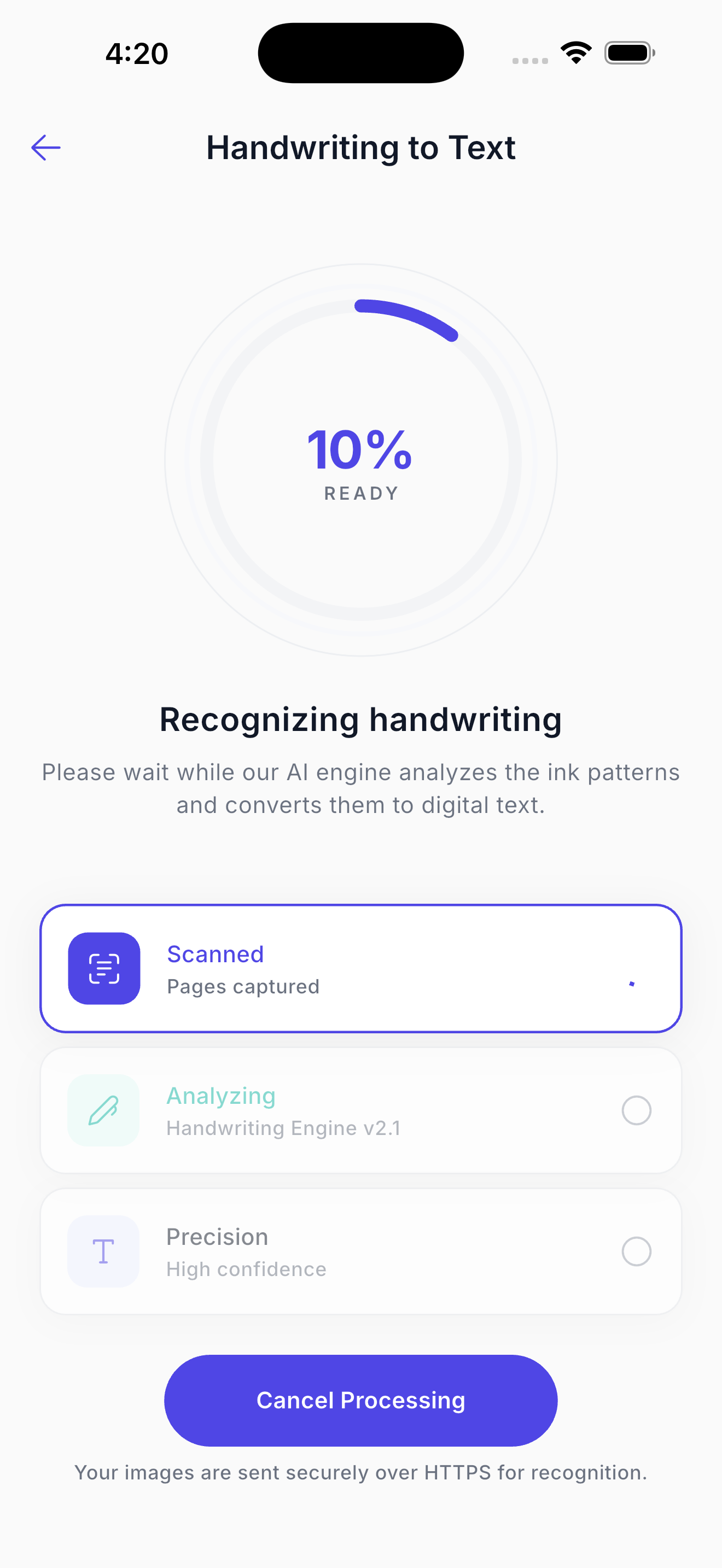
The model reads stroke patterns in about three seconds. Then you edit inline, hear it read, translate it, or send it anywhere.
Accuracy
Classic OCR was built for printed pages. This is a handwriting model — cursive, slanted script, cramped margins, mixed print, and pages that were never meant to be read twice.
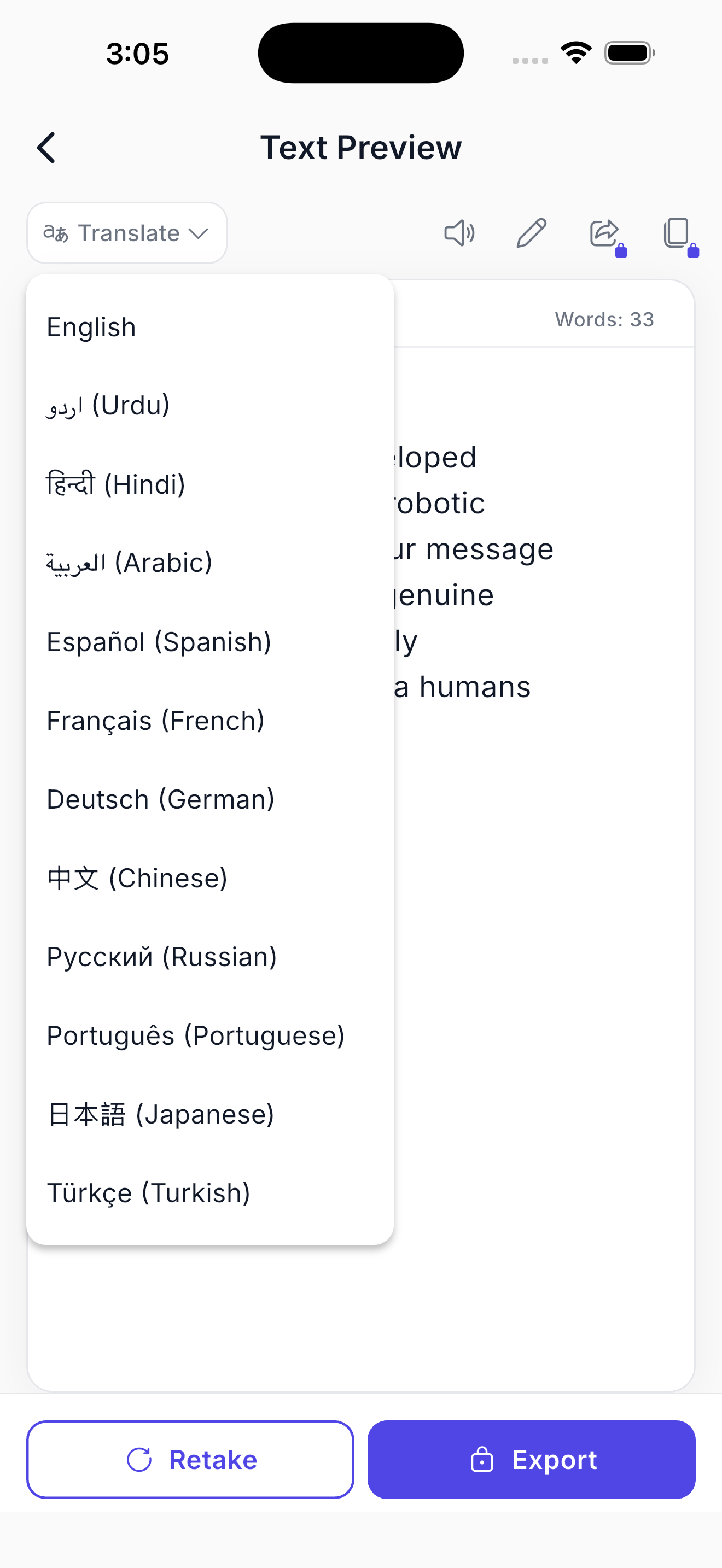
Turn a handwritten page into English, Urdu, Hindi, Arabic, Spanish, French, German, Chinese, Russian, Portuguese, Japanese or Turkish without leaving the app.
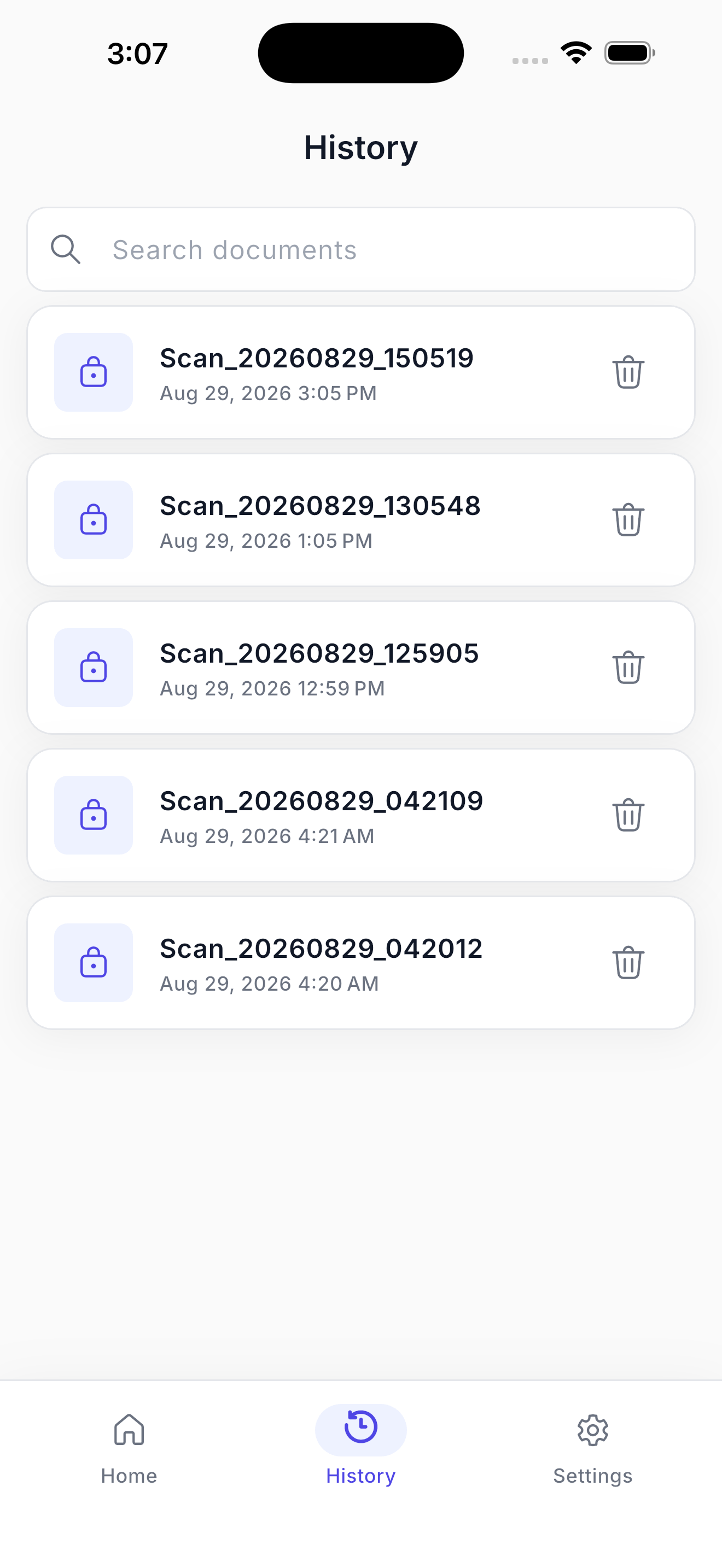
History keeps each document on your device. Search finds the page by the words inside it.
Capture notes in real time with edge detection, so a phone photo is as good as a flatbed scan.
Isolate a paragraph, a column, or one answer — and skip everything you don’t need.
Queue several images or a whole PDF, then extract the lot in a single pass.
Correct a name or a number right in the preview, with a live word count as you go.
Hear your notes back while you walk, drive, or proofread against the original page.
One tap to the clipboard, or send the text straight to notes, docs, email and chat.
Who it’s for
Digitise a semester of lecture notes into text you can search, summarise and revise from.
Get interview notes, field books and whiteboard sessions into your documents the same day.
Read handwritten submissions faster, and keep a typed record of every answer you grade.
Preserve a grandparent’s recipe cards or old letters before the paper fades any further.
Read a handwritten page in your own language, then export the translation in one step.
Privacy
Pages travel over an encrypted connection, get read, and are dropped — never stored on our servers, never used to train models, never sold. History lives on your device.
Every upload travels over TLS from your phone to the recognition service.
Images and extracted text are discarded as soon as the result reaches your device.
Start scanning on the free plan without handing over an email address.
Pricing
Cancel any time from the store. Prices in USD.
$0
Two scans a day, forever.
$19.99 /year
About $1.67 a month — 72% off monthly. Unlimited scans, translation, read aloud, export.
Or $5.99 / month · $2.99 / week
Go yearly“I photograph two hours of lecture notes and have them in my study doc before I leave the building.”Amara O. · Medical student
“My field notebooks were unreadable to anyone but me. Now the whole team can search them.”
“I scanned my mother’s recipe cards and translated them for the family. Worth it for that alone.”
FAQ
Yes — that’s what it’s built for. The model handles cursive, slanted script, doctor’s notes and mixed print. Flat lighting and a straight-on photo give the most accurate result.
Scans travel over an encrypted connection, get processed, and are never stored on our servers. Your documents stay in your own on-device history, and one tap deletes them.
Two per day, with full extraction and copy. Pro removes the limit and adds translation, export and share.
Recognition covers Latin-script handwriting; extracted text can be translated into English, Urdu, Hindi, Arabic, Spanish, French, German, Chinese, Russian, Portuguese, Japanese and Turkish.
Yes. Select multiple gallery images or upload a PDF, crop each page, then extract them all in one pass.
Edit it inline, copy it, hear it read aloud, translate it, or export and share it to any other app on your phone.
Two free scans a day. No account, no card. Point, extract, done.